



Keeto
Your passwords.Your file.Under your control.
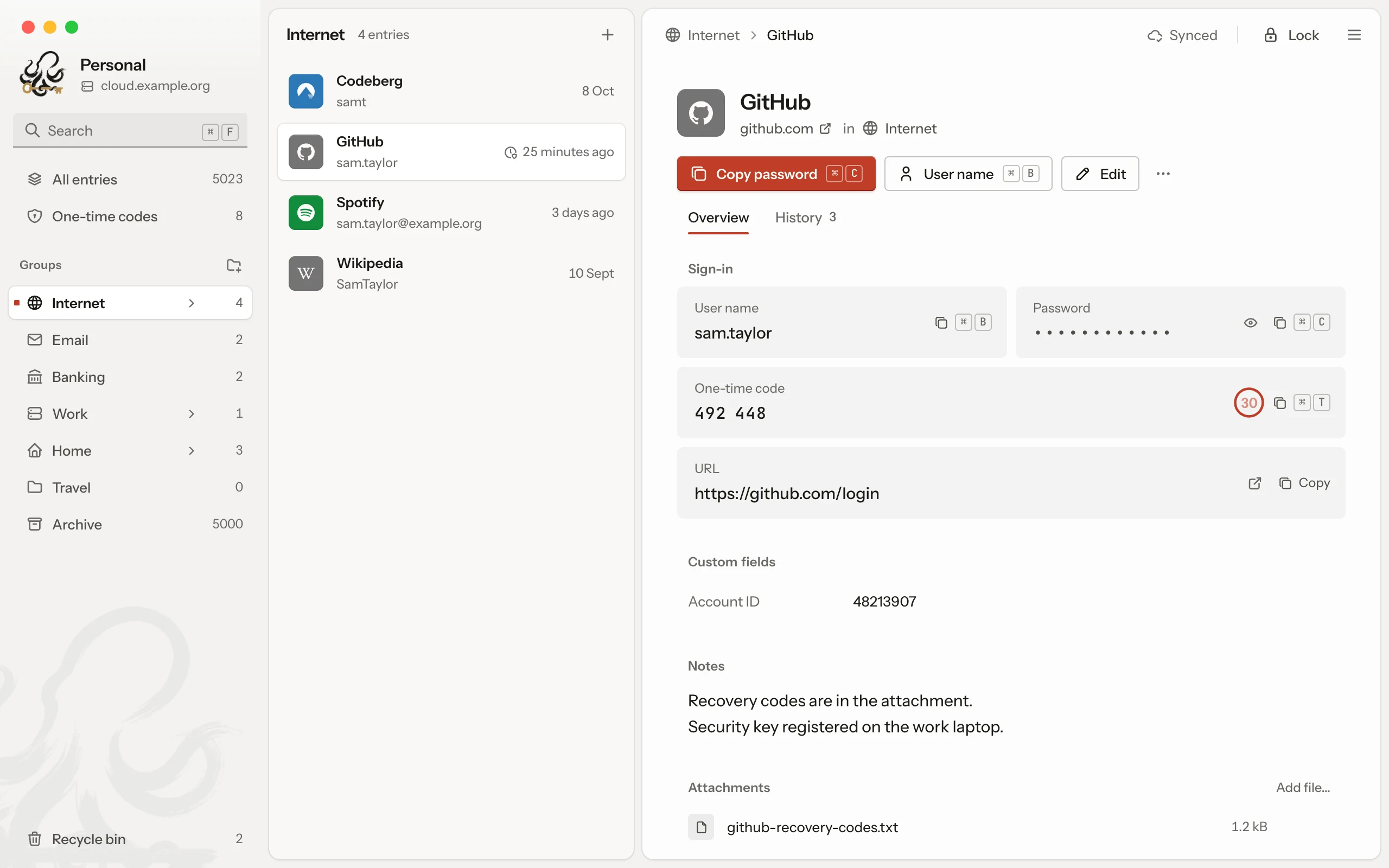
Keeto is a free password manager for macOS, Windows and Linux. Your passwords live in an encrypted KDBX file that belongs to you, on your computer or in a storage you choose. There is no account, no subscription, no advertising and no tracking.
macOS · Windows · LinuxVersion 0.1.3 of 21 October 2026
Your file is never lost
Before Keeto replaces the file on your storage, the new state has been checked and the old one kept.
Save
Keeto first writes the new version locally on your computer.
Check
Keeto reads the file back and decrypts it as a test.
Upload
The file goes to a temporary file first and only then replaces the old one.
Keep versions
Older states stay restorable, locally and on the storage.


Sync where your file already lives
Keeto syncs your database through WebDAV, SFTP, S3, Google Drive, Dropbox or OneDrive, or it simply stays a local file.
- WebDAV
- SFTPmacOS and Linux
- S3
- Google Drivecoming
- Dropboxcoming
- OneDrivecoming
- Local file
SFTP signs in with an SSH key and is not available on Windows yet.
Signing in to Google Drive, Dropbox and OneDrive is not switched on in the current version yet and comes with an update.
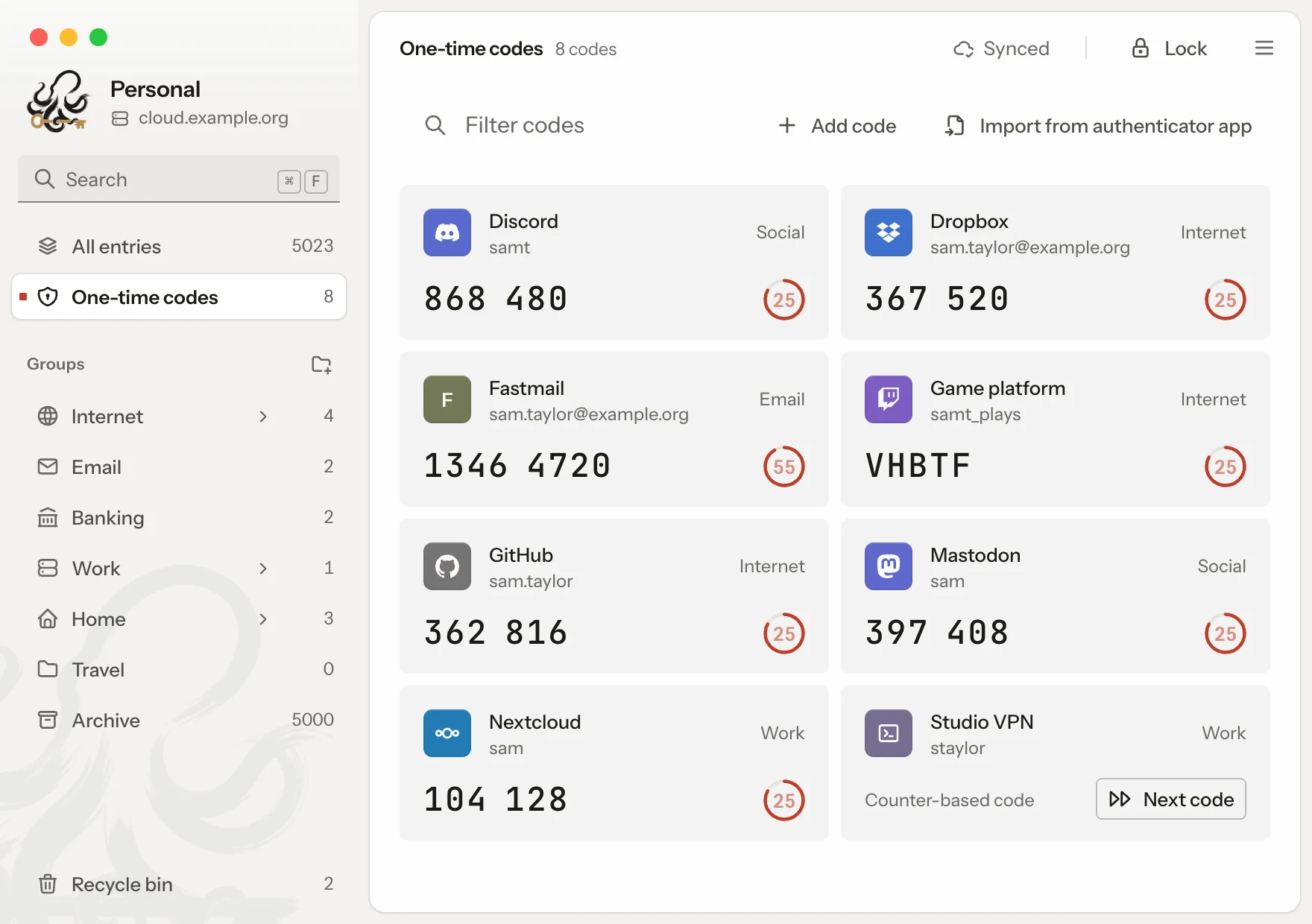
One-time codes at a glance
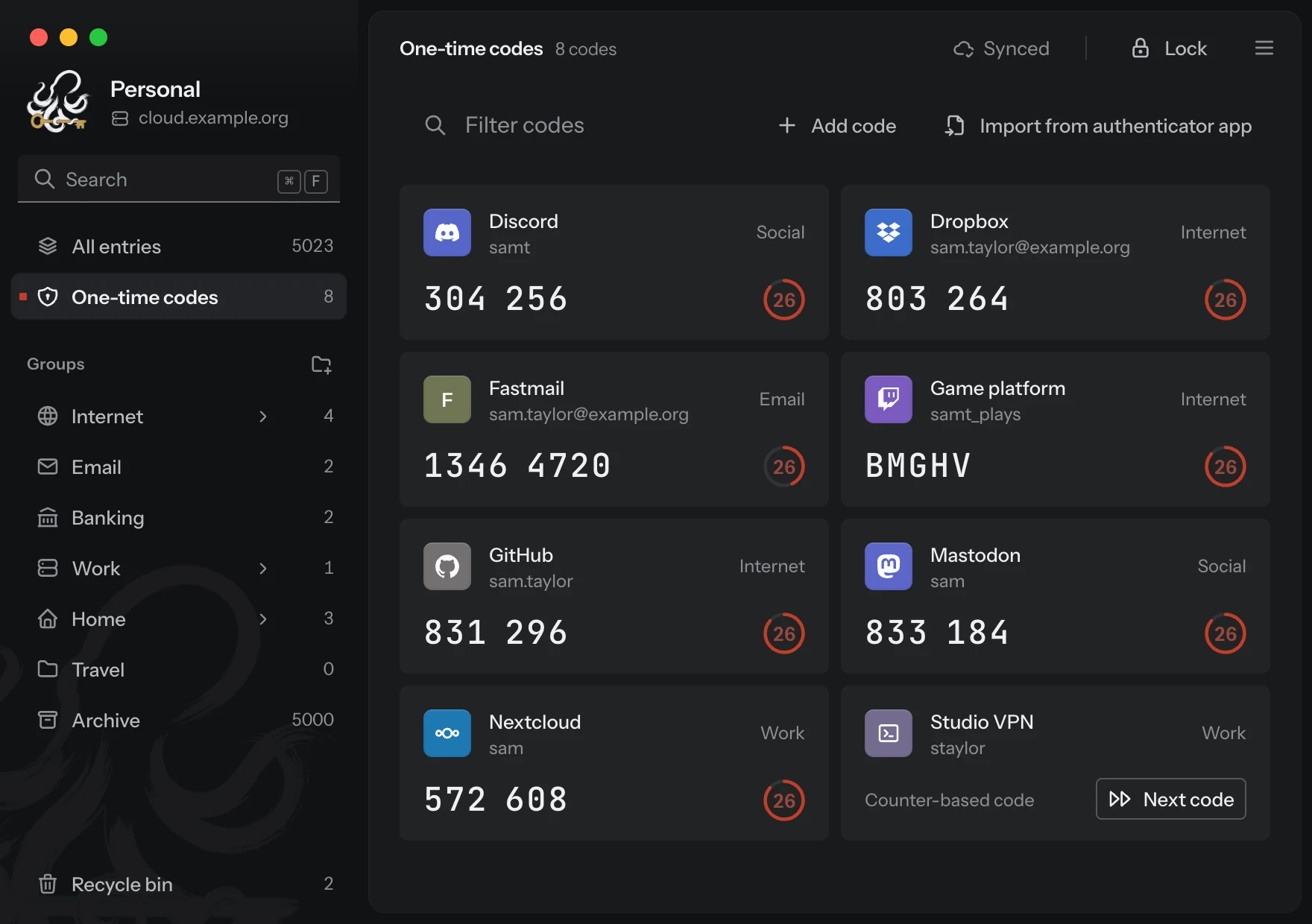
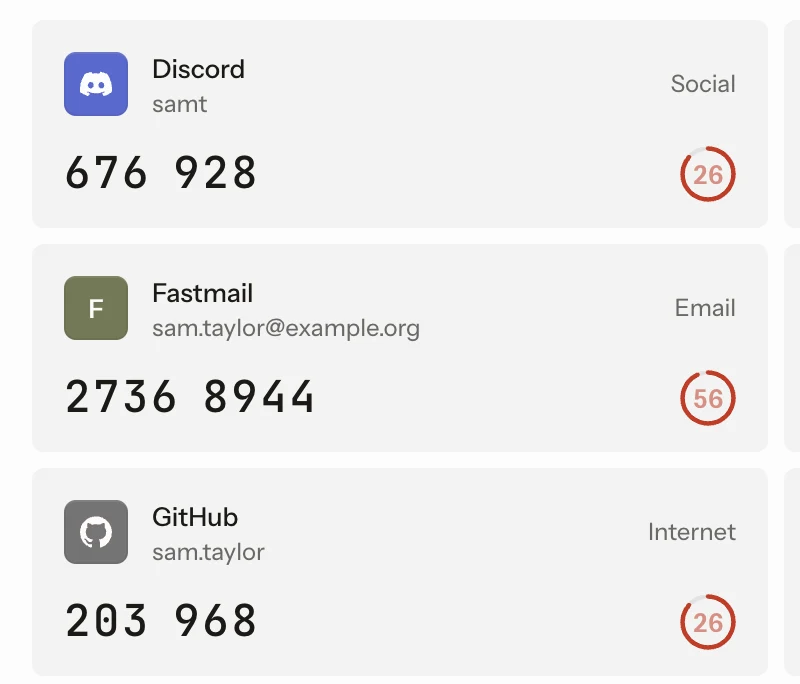
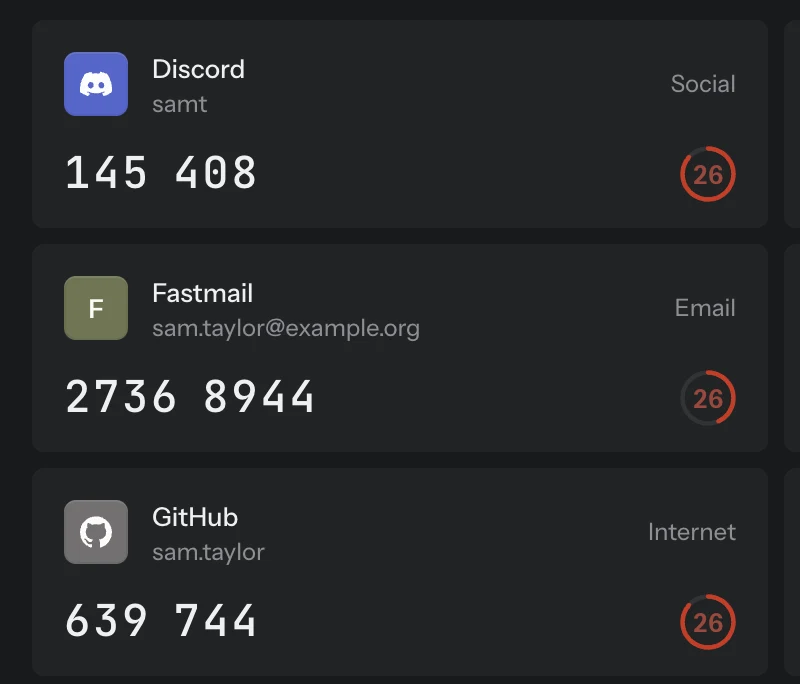
- All one-time codes of a database are on one page, each with its countdown. One click copies the code.
- Keeto reads QR codes with the camera, from the screen or from pictures.
- Codes from your phone's export come in through the import.


Import and merge
Keeto takes CSV files and the common export formats of other password managers and authenticator apps. A second KDBX database can be merged: Keeto shows beforehand what is new and what changes, and keeps a version before every import. The source file is only read.
- CSV, JSON, KDBX


- Merged, with a version before
Tidy in everyday use
Search
Keeto finds entries by title, user, URL, notes and tags.
Copy with a time limit
After you copy, Keeto clears the clipboard again.
Versions
Earlier states of entries and of the whole file can be brought back.
Locks by itself
After a pause without input, Keeto locks itself.
Light and dark
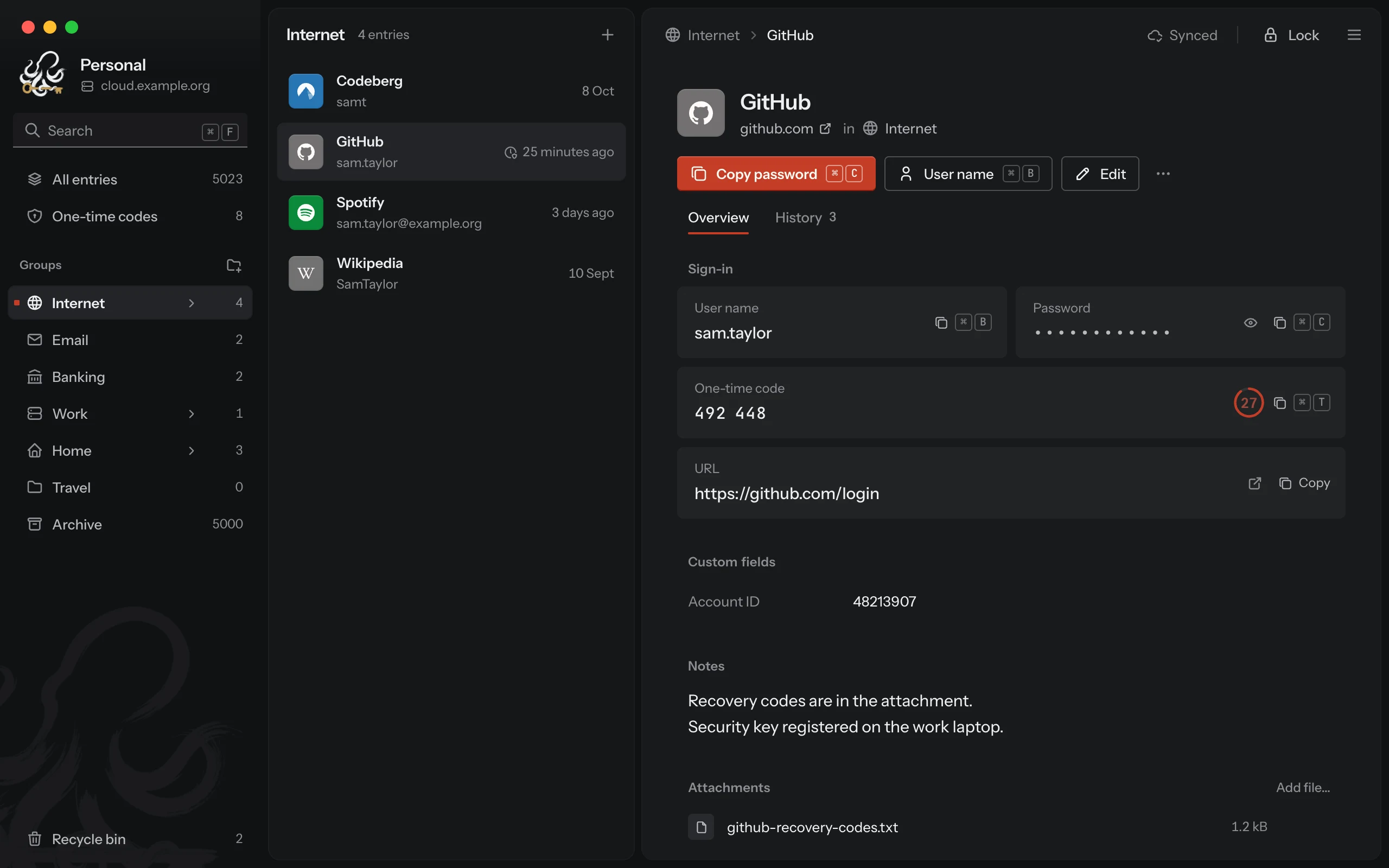
The look follows the system or your choice.
Password generator
It makes passwords and passphrases and shows their strength.
Quick search for codes
If you want, a shortcut brings the codes into any app.
Open format
Your file stays KDBX and opens in other programs too.
Updates in the app
You install new versions right inside Keeto.
Notarised for macOS
The Mac app is signed and notarised by Apple.
Signed for Windows
Program and installer carry the maker's signature.
Linux as AppImage and .deb
Keeto runs on glibc 2.35 or newer, such as Ubuntu 22.04.


Download for free
You need no account, and Keeto costs nothing.
Linux
x86_64, AppImage and .deb
Version 0.1.3 of 21 October 2026. Later updates install right inside the app.All versions